Find your way through your Odin codebase.
Vigil is a native desktop browser for Odin code. Explore packages and documentation, then open the source in your editor.
Changelog 1.2.0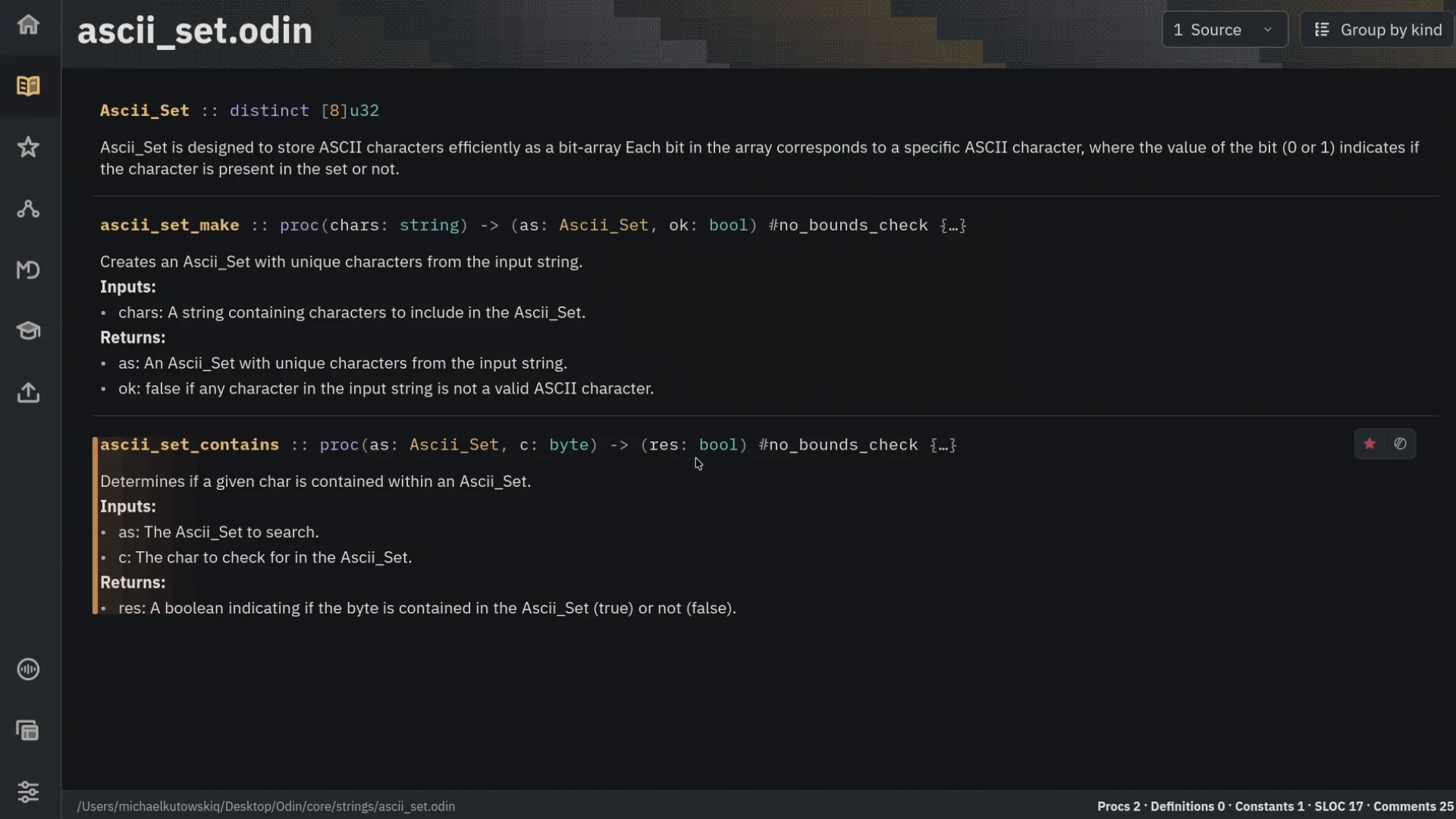
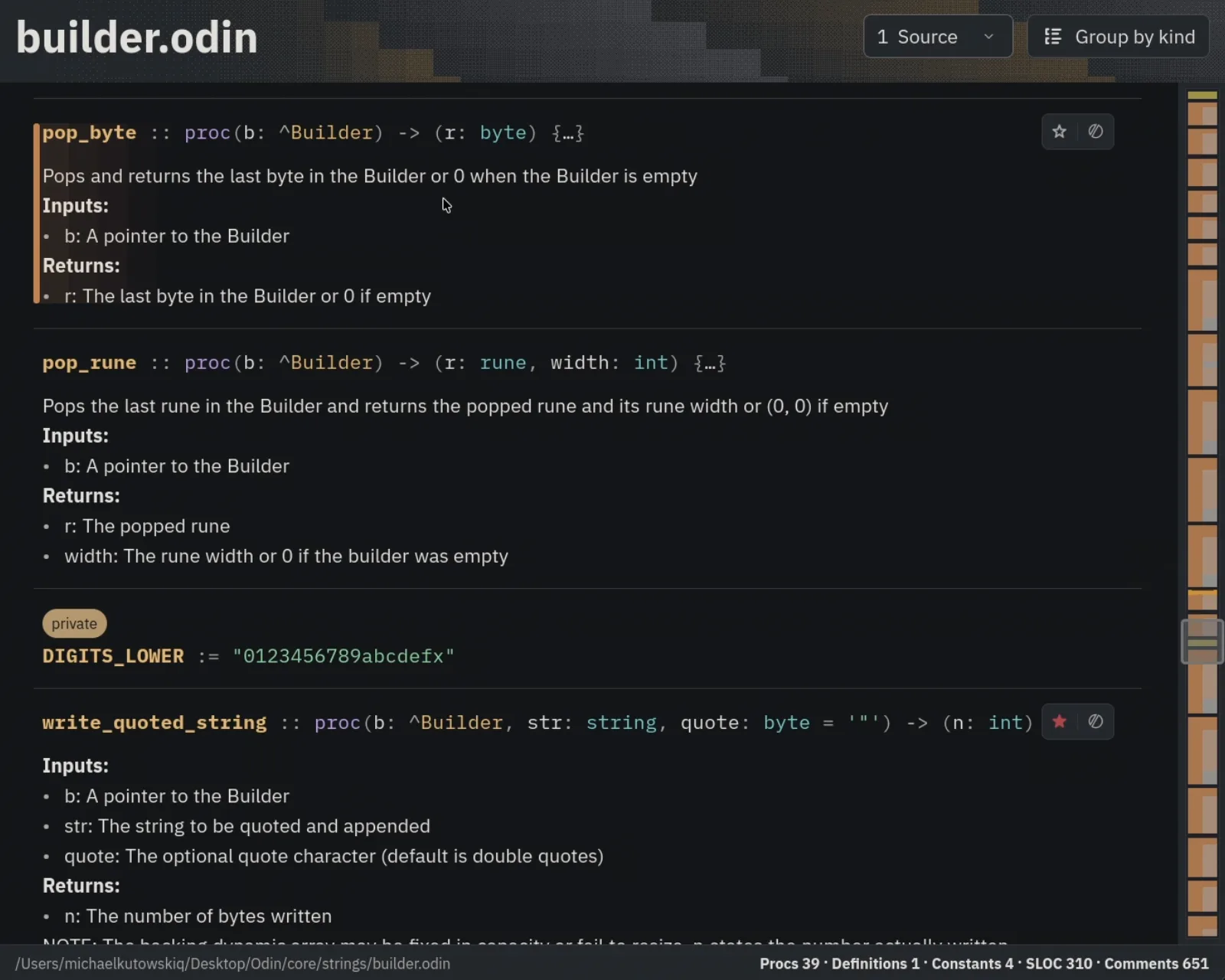
Go straight to what matters.
Read declarations and their documentation together. Follow related procedures, keep useful entries in Favorites, and open the source in your editor when you are ready to work.
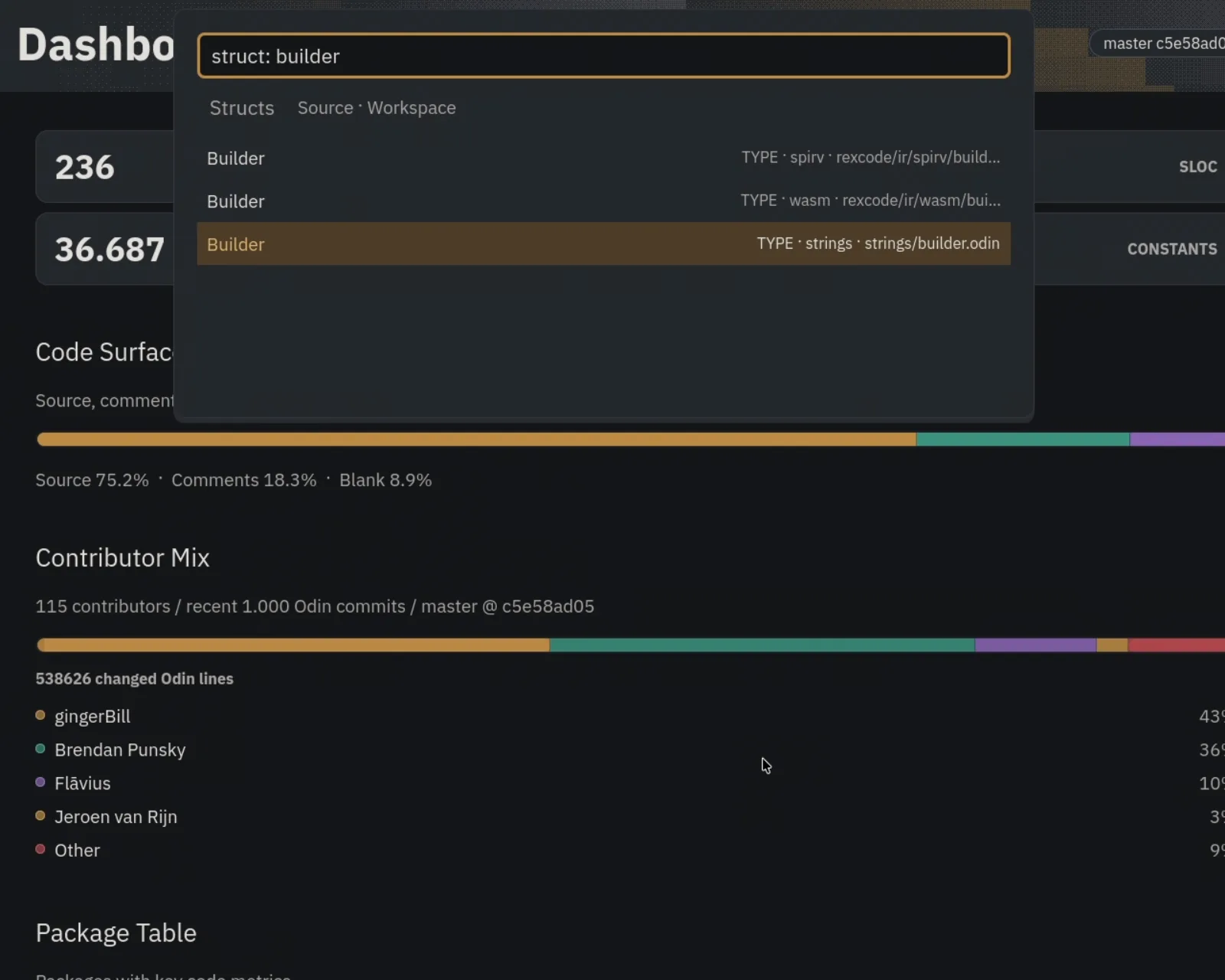
Find the declaration you need.
Search procedures, structs, or other symbols in a focused Quick Open mode. Go straight to a name without sifting through unrelated results.
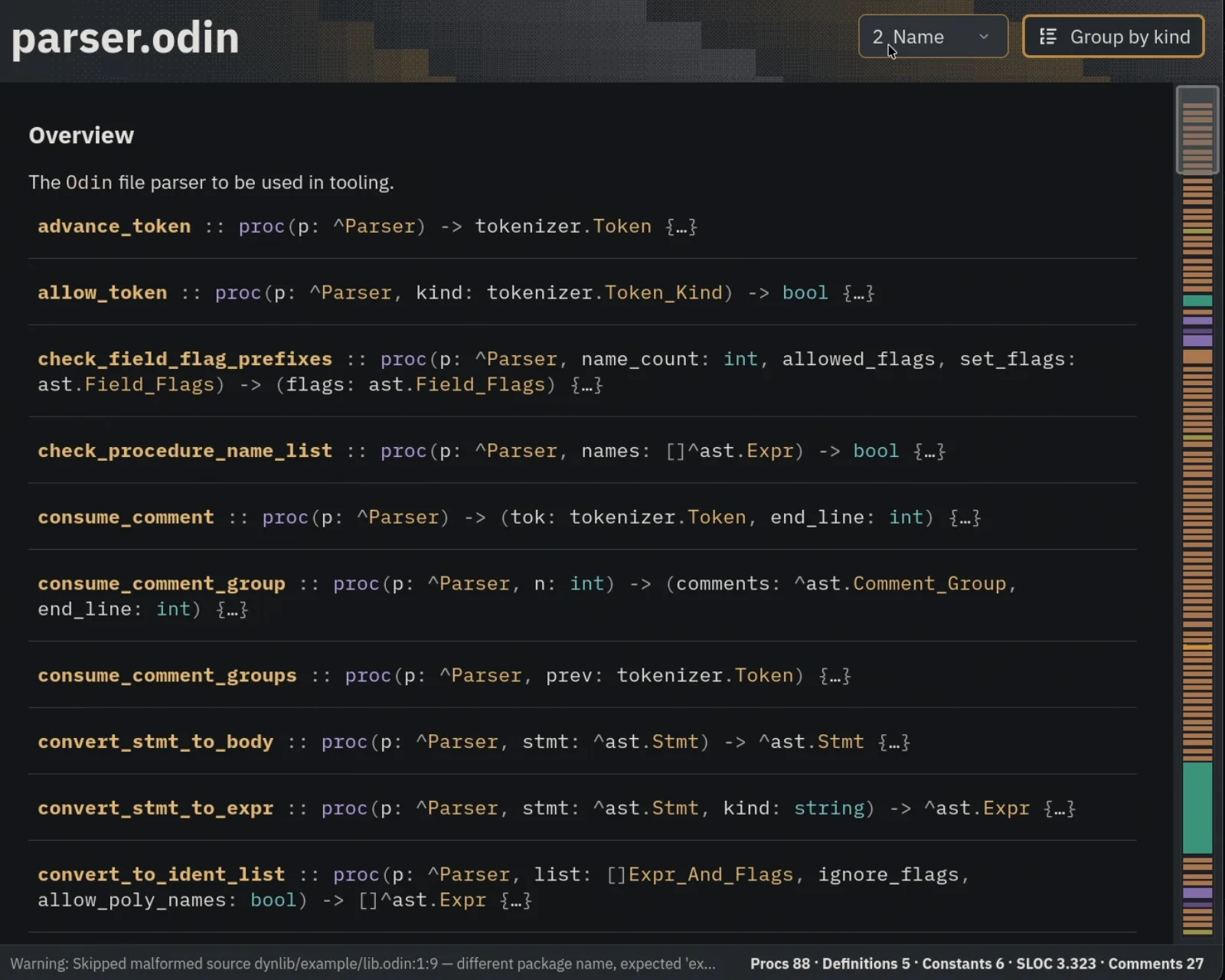
Read in the order that helps.
Switch between source, name, and size ordering. Group declarations by kind to see the structure of a file.
See how a codebase fits together.
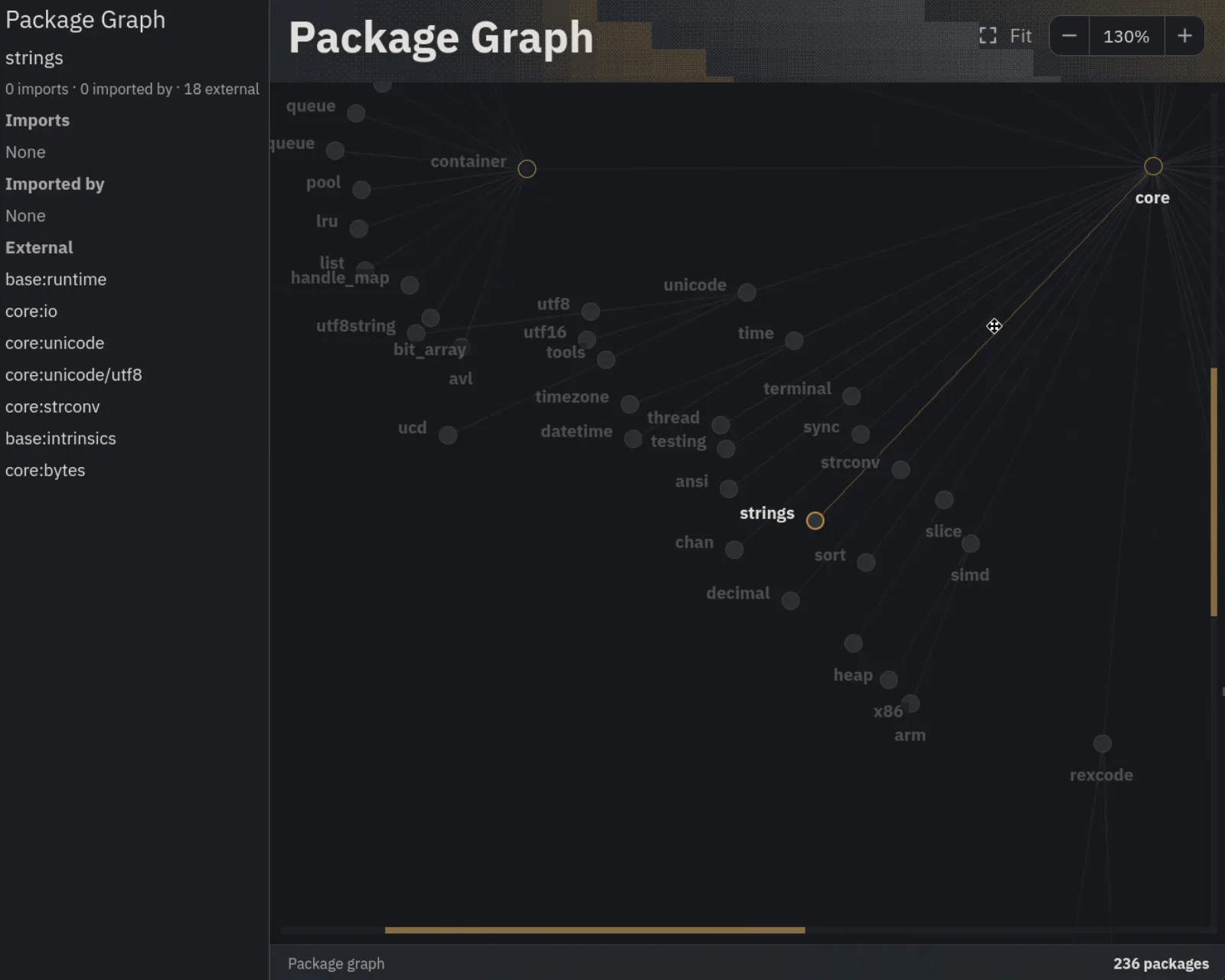
See how your packages connect.
Zoom into the package graph and select nodes to inspect their relationships and external references. Fit the whole workspace back into view when you need the bigger picture.
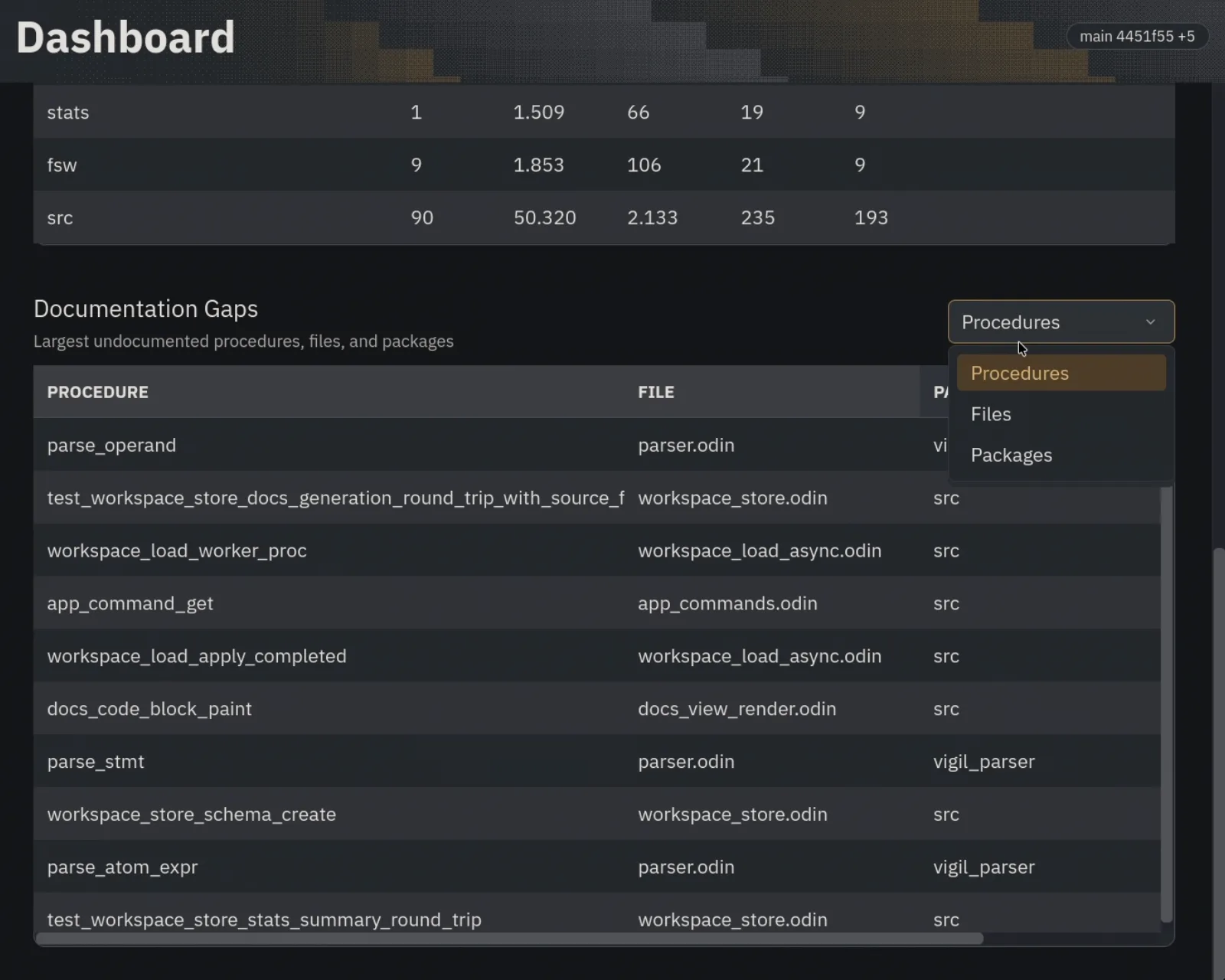
Get your bearings.
See the shape of a workspace, then find where it needs explanation. Documentation Gaps brings the largest undocumented procedures, files, and packages into view.
Keep the explanation close to the code.
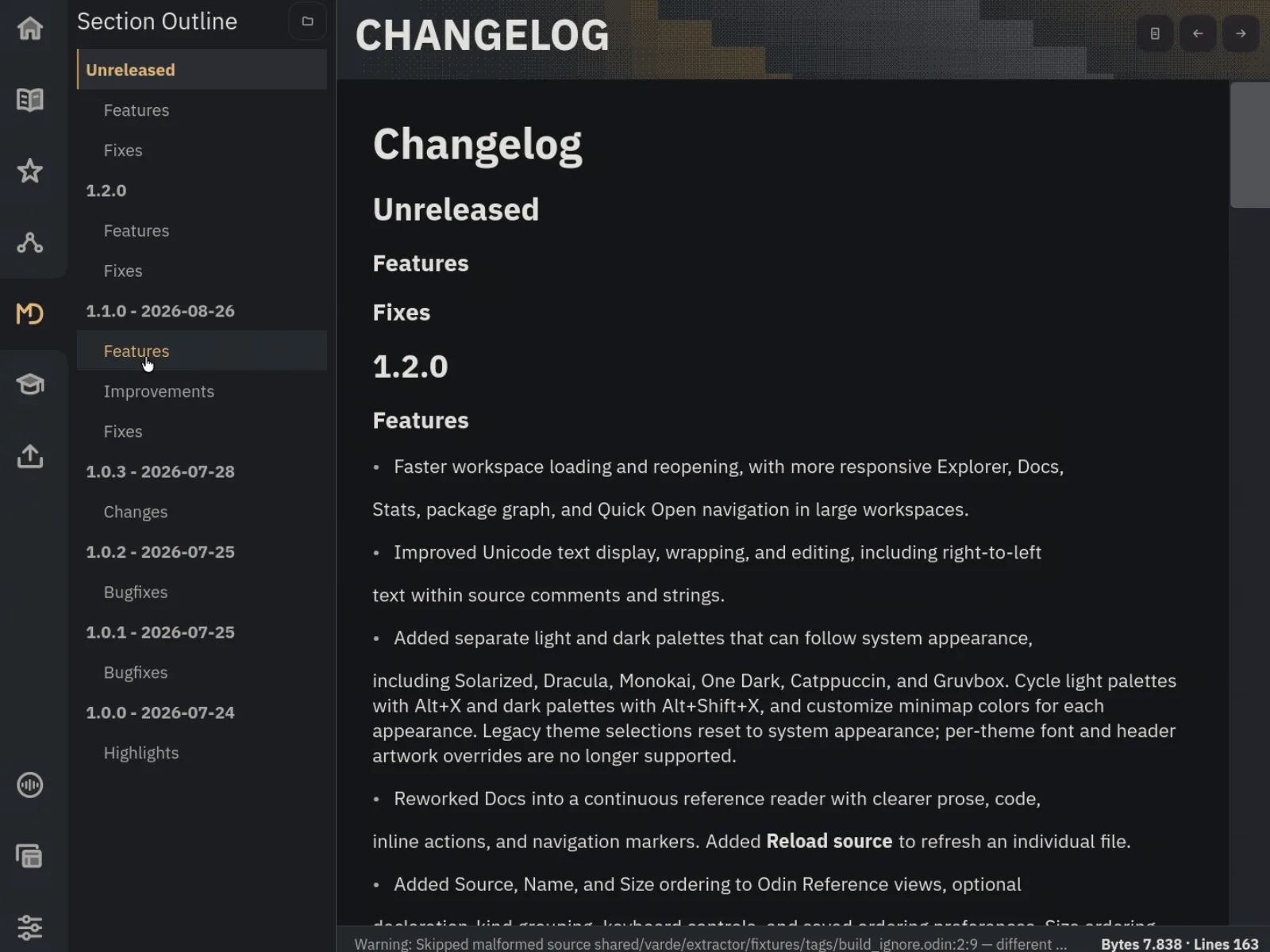
Keep project knowledge nearby.
Browse project documents and use the section outline to jump between headings without losing your place.
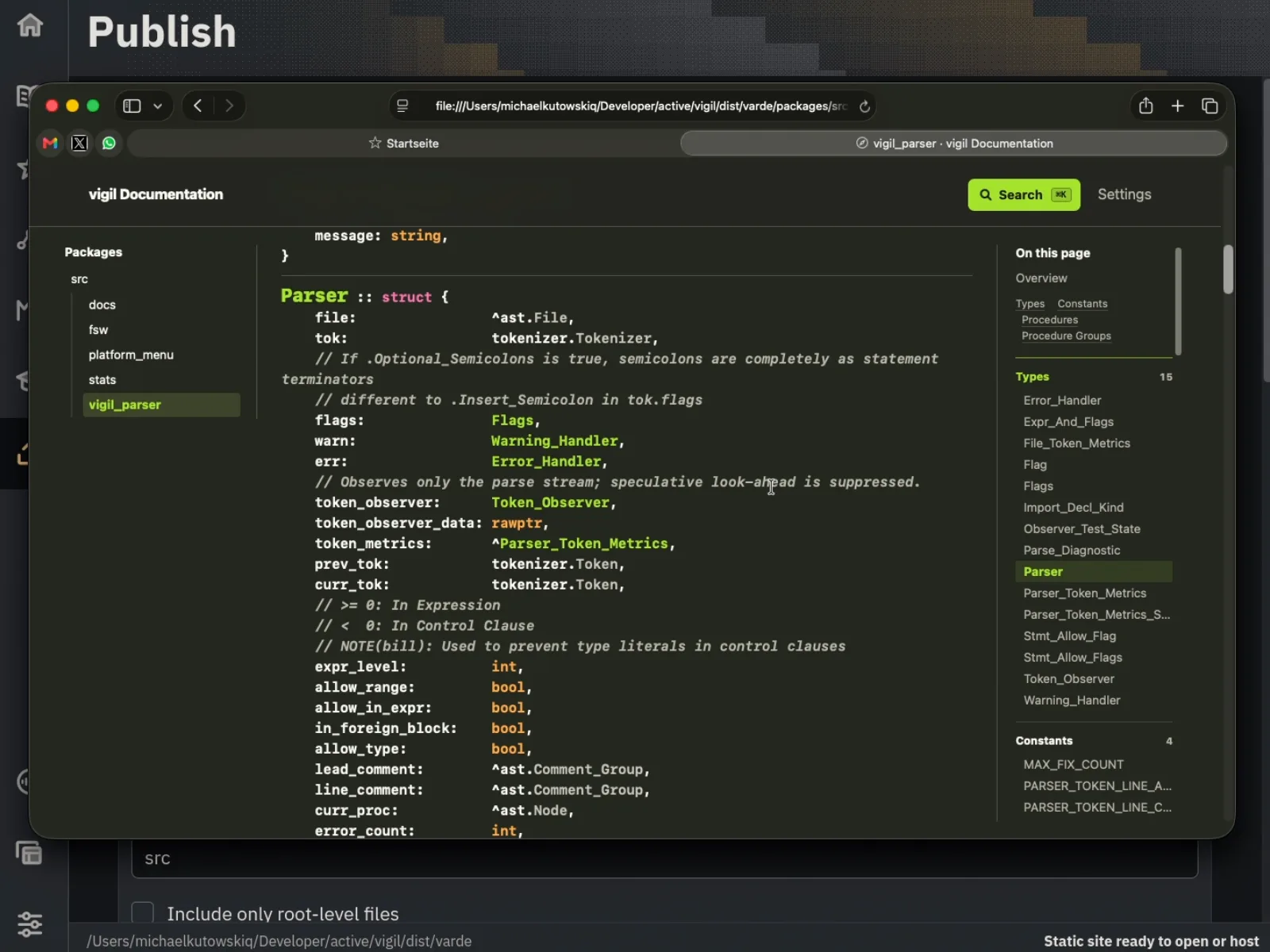
Give others a place to explore.
Choose the source folders to include, build a static documentation site, and open the result. It is ready for you to host.
Make it feel like your workspace.
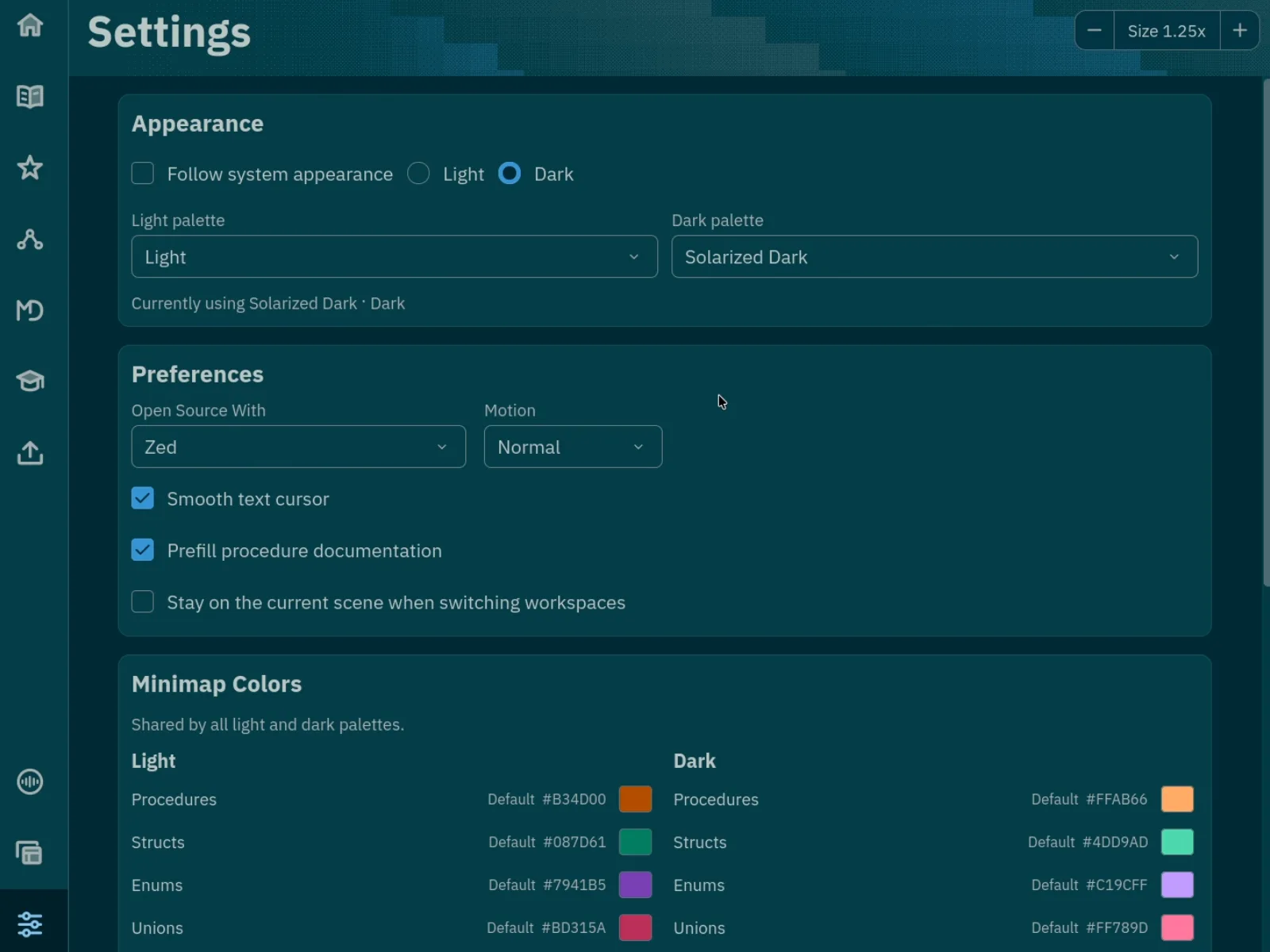
Make it feel like your workspace.
Choose light and dark palettes, adjust the interface size, and tune the workspace settings to suit you.
Vigil in motion.
Feature walkthroughs, new releases, and a closer look at how Vigil works. Follow along as it grows.